
Download Razer Cortex – game booster, PC gaming performance, gaming deals, game launcher, gameplay recording
Overview
Razer Cortex is a specialized utility tool designed to enhance the PC gaming experience by optimizing system performance and streamlining game management. Developed by Razer Inc., a well-known name in the gaming hardware and software ecosystem, the app serves as a comprehensive platform for gamers seeking to maximize their system’s capabilities. The primary purpose of Razer Cortex is to reduce lag, improve frame rates, and ensure smooth gameplay through intelligent resource allocation. It addresses common issues such as background process interference, system notifications, and inefficient hardware utilization, all of which can degrade gaming performance. The app is tailored for PC gamers who own multiple titles across various platforms and want a centralized hub to launch, organize, and optimize their games. It also appeals to budget-conscious players looking to access real-time gaming deals without manually browsing multiple websites. By integrating performance optimization with a curated deal feed, Razer Cortex bridges the gap between technical efficiency and cost-saving convenience. Real-world use cases include preparing a gaming rig for a competitive match, organizing a large game library, or quickly finding discounted titles during seasonal sales. In the broader app ecosystem, Razer Cortex stands out as a niche yet powerful tool that complements existing gaming platforms by focusing on system-level enhancements and user-centric features.Key Features & Functionality
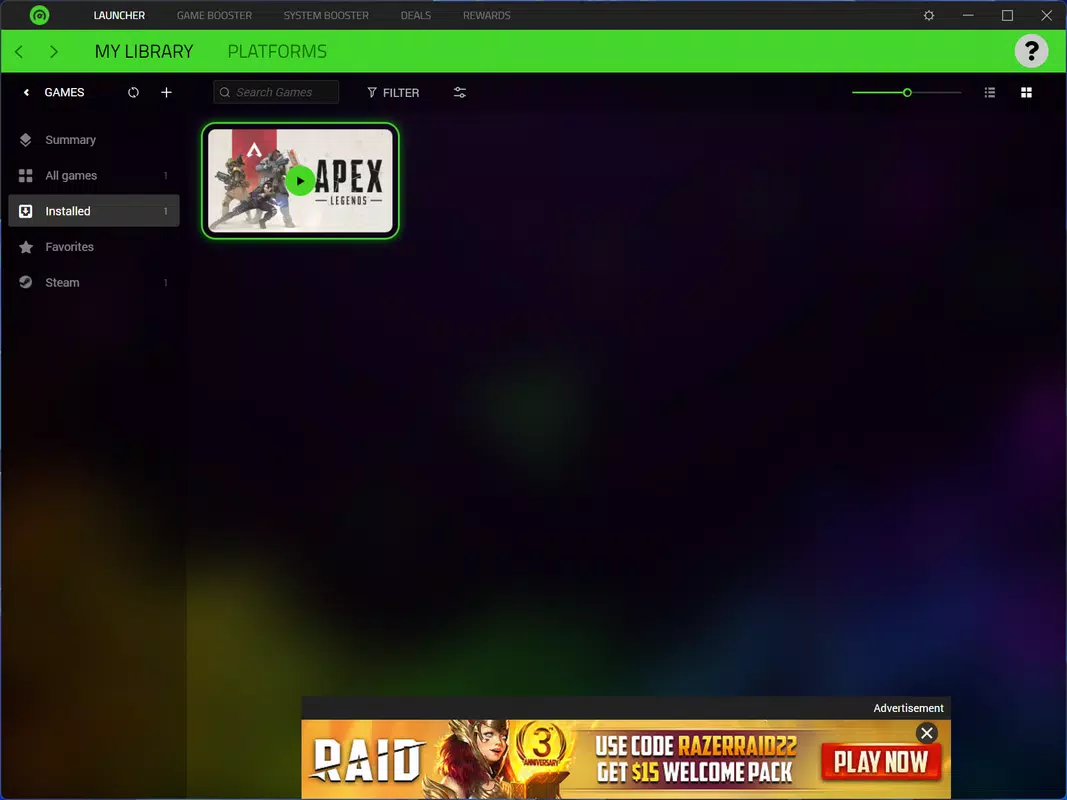
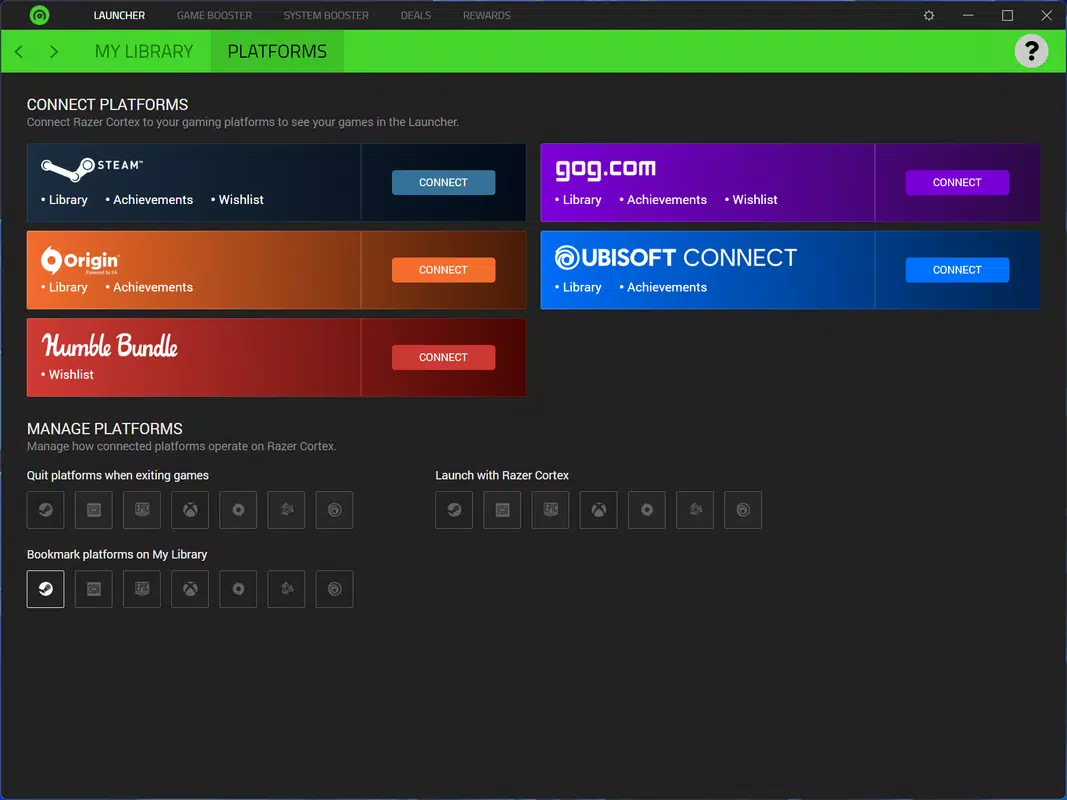
Razer Cortex delivers a suite of features designed to improve both the technical and experiential aspects of PC gaming. The system performance boost feature dynamically optimizes the PC by identifying and minimizing resource-heavy background applications, adjusting system settings for gaming, and freeing up RAM and CPU capacity. This results in reduced input lag and improved frame rates during gameplay. For example, a player preparing for a high-stakes online match can activate the boost to ensure their system runs at peak efficiency. The game launcher and organizer function provides a unified interface for launching games from multiple platforms, including Steam, Epic, and others. It automatically detects installed games and arranges them in a clean, searchable library, eliminating the need to switch between platforms. This is especially beneficial for users with extensive game collections. Access to the best gaming deals allows users to browse discounted titles, free game offers, and promotional bundles directly within the app. This feature saves time and helps users make informed purchasing decisions. The game booster feature further enhances performance by disabling non-essential system services and notifications during gameplay, reducing distractions and maintaining consistent performance. Lastly, the built-in gameplay recording and sharing capability enables users to capture and export gameplay clips or full sessions with minimal setup. This is ideal for content creators who want to share highlights on social media or streaming platforms. Each feature is designed to support a seamless, high-performance gaming workflow.- System performance boost via resource optimization
- Centralized game launcher and library organizer
- Curated access to real-time gaming deals and discounts
- Game booster that disables background processes and notifications
- Integrated gameplay recording and sharing tools
Interface, UX & Performance
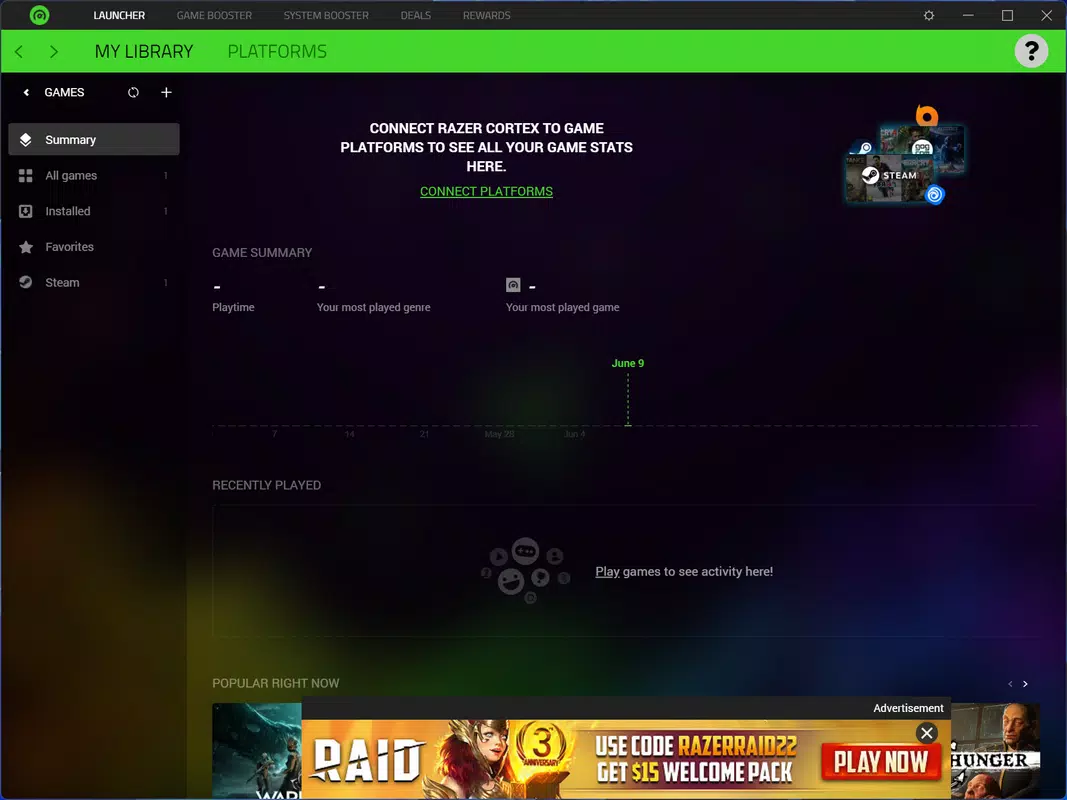
The user interface of Razer Cortex is designed with usability and clarity in mind. It features a clean, minimalist layout with intuitive navigation, allowing users to quickly access core functions such as game launching, performance boosting, and deal browsing. The visual style aligns with modern PC software aesthetics—dark-themed with subtle animations and clear iconography—making it visually appealing and easy on the eyes during extended gaming sessions. Navigation is straightforward, with a sidebar menu offering quick access to the game library, performance settings, deal feed, and recording tools. The app maintains consistent responsiveness across different screen sizes and resolutions, though specific performance metrics were not provided. Although the developer did not list formal performance metrics, the app’s lightweight file size of 48.2 MB suggests efficient resource usage. Users can expect stable operation during typical use cases, such as launching games or activating the game booster. The app does not appear to cause system instability or significant CPU spikes under normal conditions. However, compatibility with older Windows systems or specific hardware configurations was not fully disclosed. The overall experience is smooth and distraction-free, particularly when the game booster is active. The interface supports keyboard shortcuts and mouse interactions, enhancing accessibility for power users.Platform Compatibility & Technical Requirements
Razer Cortex is available exclusively on the Windows platform. It is compatible with Windows operating systems, though specific version requirements were not listed by the developer. The app has a file size of 48.2 MB, indicating a lightweight installation that should not strain system storage. The developer did not specify minimum OS requirements, hardware specifications, or compatibility details for older Windows versions. It is recommended to ensure your system meets standard Windows requirements for running modern applications. Users should verify compatibility with their current setup before installation. No additional dependencies or third-party software are required for basic functionality.Pros and Cons
- Lightweight size (48.2 MB) with minimal system impact
- Free to download and use
- Comprehensive game launcher with automatic library detection
- Effective system performance boost for smoother gameplay
- Integrated access to real-time gaming deals and discounts
- Built-in gameplay recording and sharing tools
- Developer did not provide detailed system requirements
- Platform limited to Windows only
- Specific performance improvements not quantified
- Compatibility with older Windows versions not confirmed
- No built-in cloud sync or cross-device support


